Prompt
“A slow tracking shot through a rain-soaked night market, warm lantern reflections on the pavement, natural crowd movement, cinematic depth of field.”
Text to video16:9
Muse Video is an advanced AI video generation model for cinematic creation, combining realistic motion, precise camera control, visual consistency, and native audio.
Precise prompt adherence
Follow complex prompts with accurate scene and motion control.
High visual consistency
Maintain realistic detail and strong temporal consistency across frames.
Synced audio and motion
Generate aligned audio with accurate handling of fast-paced movement.
Prompt gallery
Start with these distinct video prompts, then adapt the subject, camera, light, motion, and format for your own project.
Prompt
“A slow tracking shot through a rain-soaked night market, warm lantern reflections on the pavement, natural crowd movement, cinematic depth of field.”
Prompt
“A glass fragrance bottle rotates on pale stone while soft morning light moves across the label; subtle mist, restrained luxury commercial styling.”
Prompt
“Close portrait of a musician by a train window, gentle handheld camera, passing sunlight and shadows, quiet reflective mood, realistic skin detail.”
Prompt
“Aerial camera glides above a black-sand coastline at sunrise as low fog rolls inland and waves leave silver patterns along the shore.”
Prompt
“Editorial fashion walk through a minimalist concrete gallery, precise side tracking, flowing fabric, cool diffused light, polished magazine-film look.”
Prompt
“A tiny paper astronaut plants a flag on a clay moon, tactile stop-motion texture, playful bounce, soft studio shadows and handmade details.”
Introducing Muse Video
Muse Video is an advanced AI video generation model designed to transform detailed text prompts and reference images into dynamic, high-quality videos. It supports both text-to-video and image-to-video generation, making it easy to turn creative ideas into moving visuals.
The model focuses on prompt adherence, visual fidelity, and temporal consistency. It can follow instructions for subjects, actions, camera movement, atmosphere, dialogue, ambience, and sound effects while maintaining a coherent visual experience throughout the video.
Muse Video is suitable for cinematic scenes, product videos, social media content, advertisements, storytelling, and other creative workflows. Create videos from text or images, explore different styles, and bring your ideas to life with AI.
Read Meta's official Muse previewConcrete creative controls
Combine the capabilities announced in Meta's preview with a practical workspace for prompt-led and reference-led creation.
Describe the subject, action, setting, and camera direction in natural language, then turn the brief into a moving visual concept.
Start from a reference image when composition, product details, or a specific opening frame should guide the motion.
Meta identifies temporal consistency as a core focus, helping subjects and scenes remain visually coherent as a shot unfolds.
Use prompt language for framing, tracking, handheld movement, pacing, lighting, and atmosphere to shape the feel of each shot.
Muse Video was previewed with native audio support, allowing sound and picture to begin from the same creative instruction.
The model is designed to follow the requested scene more closely while preserving detail and a consistent visual direction.
Choose the supported aspect ratio, duration, resolution, and audio options exposed by the selected generation model.
Keep prompts and generated assets together so a promising test can become a repeatable creative workflow.
Verified details only
Meta has not published final duration, resolution, or pricing specifications. The summary below separates announced Muse Video details from workspace controls.
From prompt to first cut
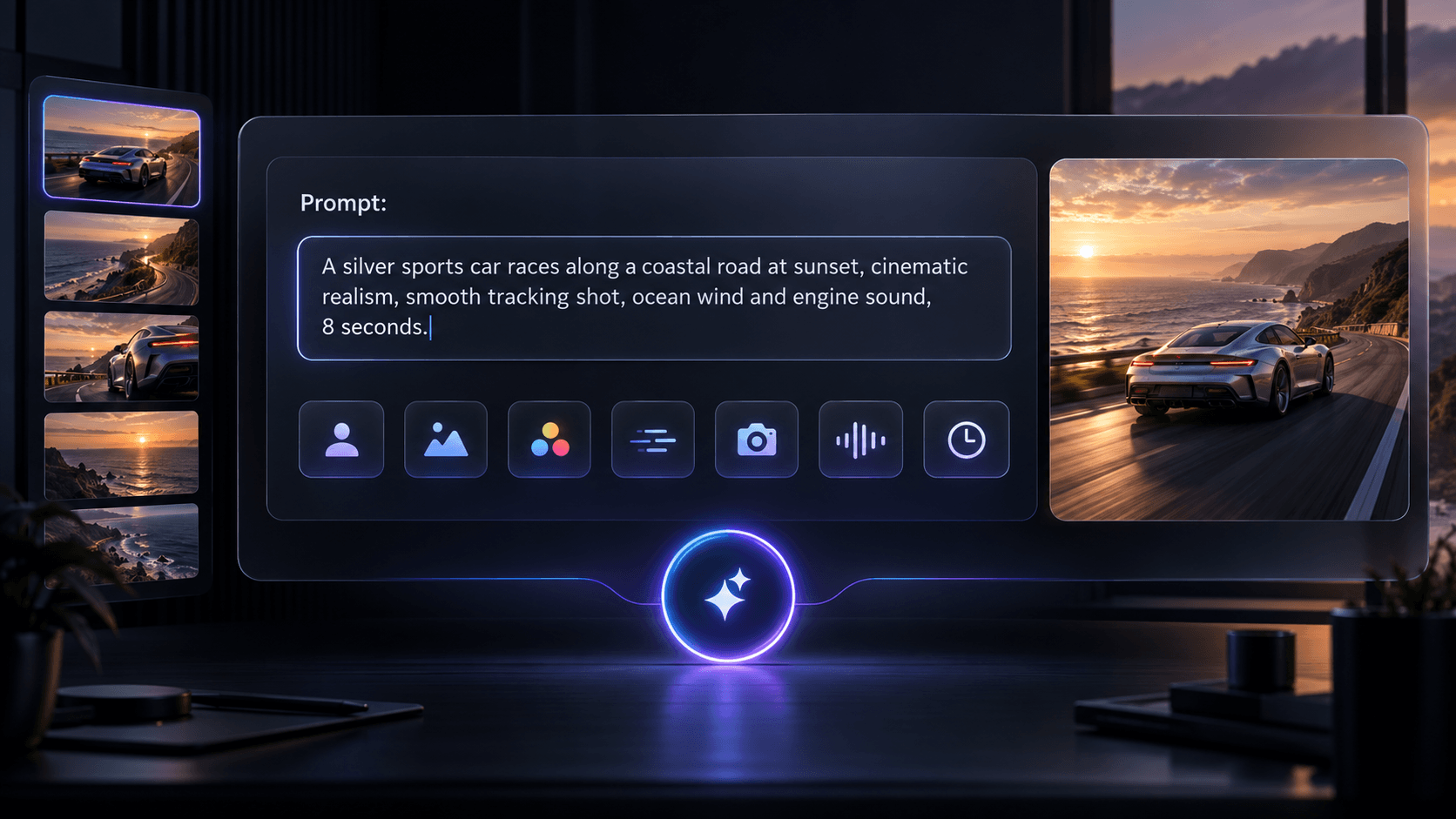
STEP 01
Describe your video idea, including the subject, scene, visual style, motion, camera direction, sound, and intended duration.
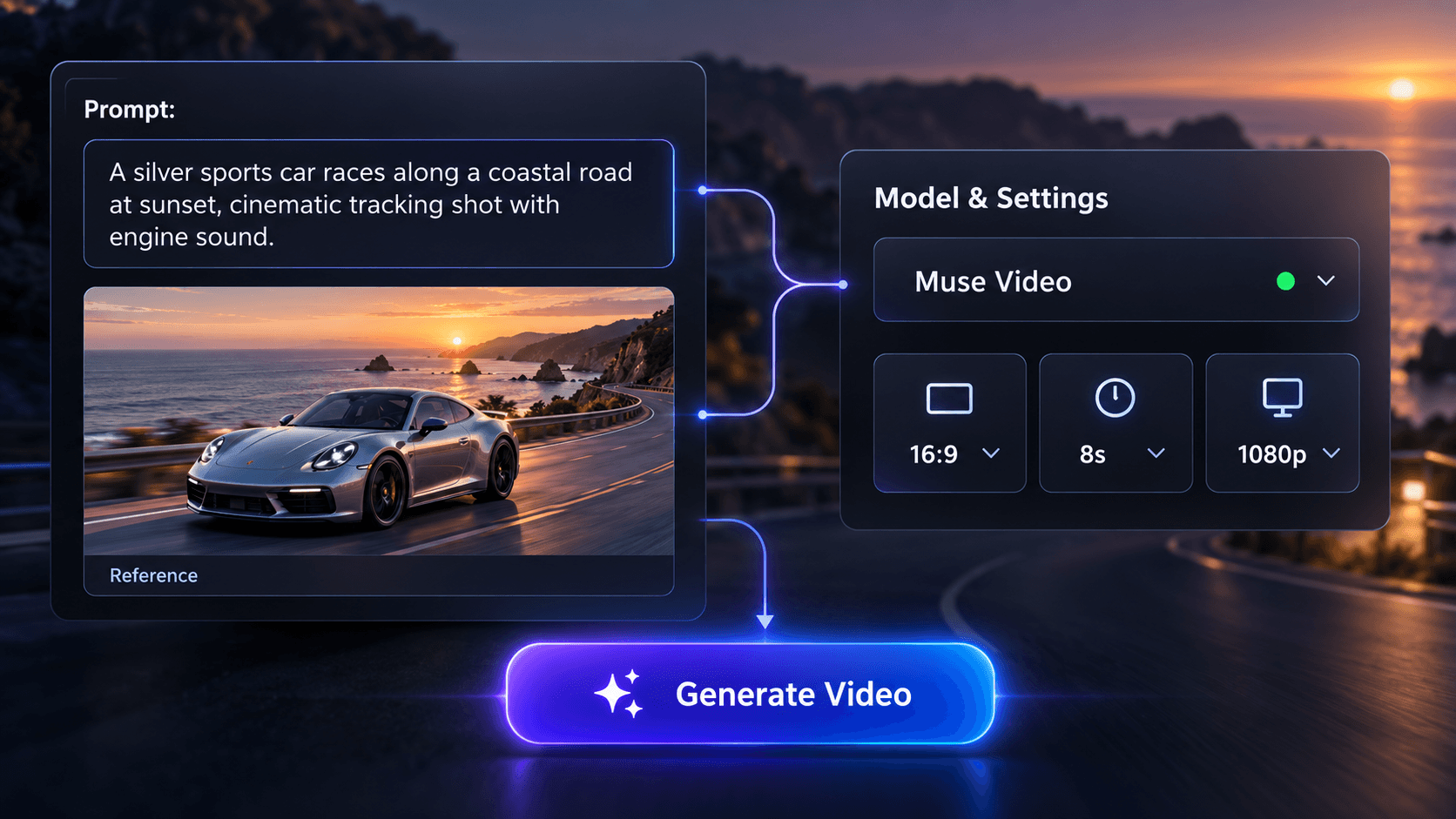
STEP 02
Review the editable direction and reference image, check which model and settings are currently available, then start the generation workflow.
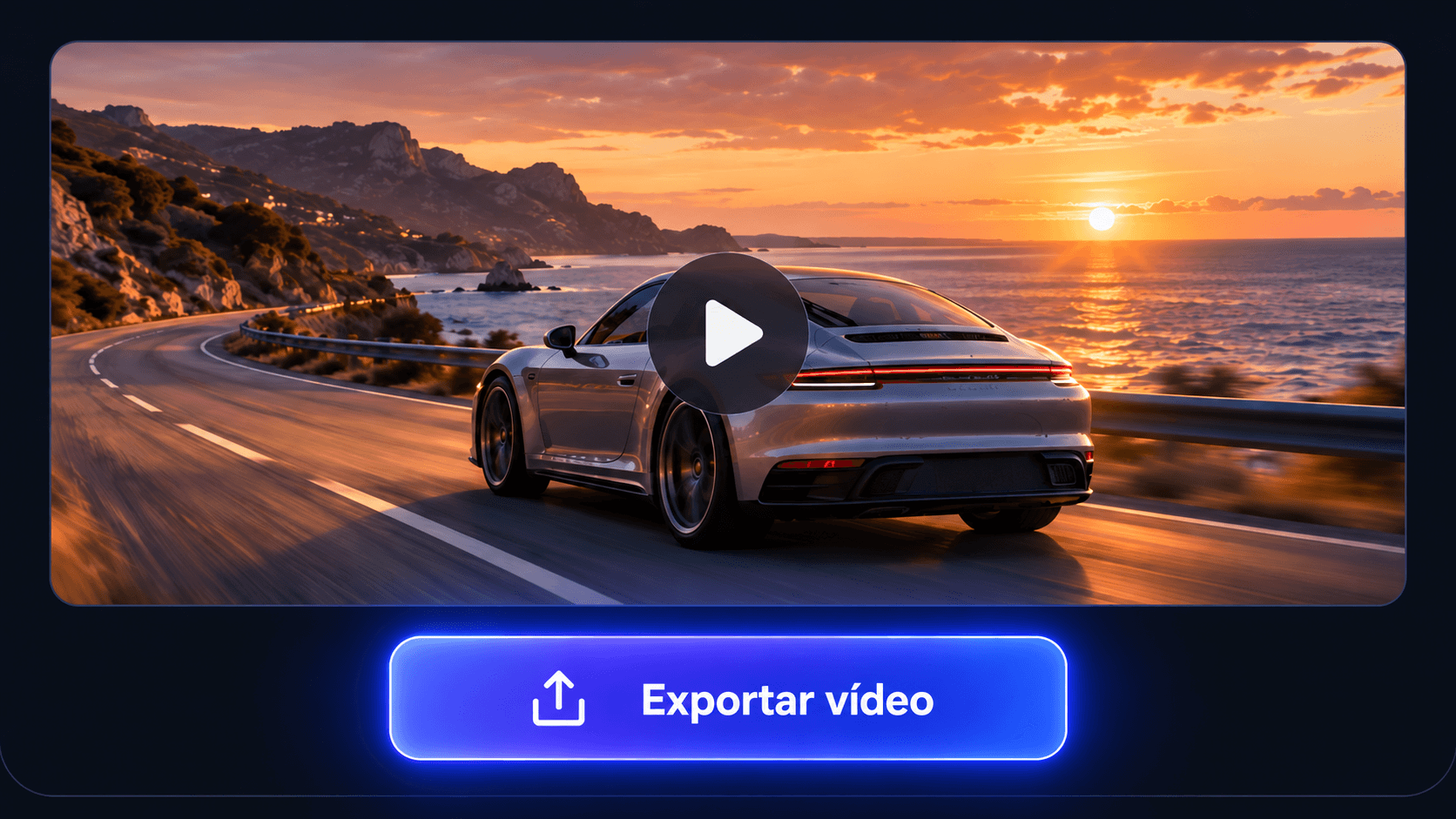
STEP 03
Review motion and reference consistency, then export the strongest result for ads, social posts, product videos, or creative projects.
Practical creative outcomes
Use AI video generation to explore ideas earlier, create more variations, and communicate motion before a full production.
Create short-form social videos, visual stories, and repeatable concepts without planning a traditional shoot for every idea.
Reels · Shorts · TikTok
Turn one campaign brief into multiple promotional directions and compare concepts before committing production budget.
Ads · Launches · A/B tests
Explore staging, lenses, camera movement, atmosphere, and story beats while a scene is still inexpensive to change.
Previsualization · Storyboards · Pitches
Give static visual concepts movement and test how layouts, characters, or product compositions behave over time.
Motion studies · Concepts · Prototypes
Build product-focused clips and branded visual variations for launches, landing pages, and social campaigns.
Product videos · Campaigns · Social
Prototype several directions quickly, share a moving reference, and align on the idea before a larger production begins.
Briefs · Reviews · Creative development
Creator directions
Instead of invented testimonials, here are useful creative directions inspired by the model's announced capabilities.
 01
01Short scenes designed around a visible action, a clear camera idea, and an intentional ambient soundscape.
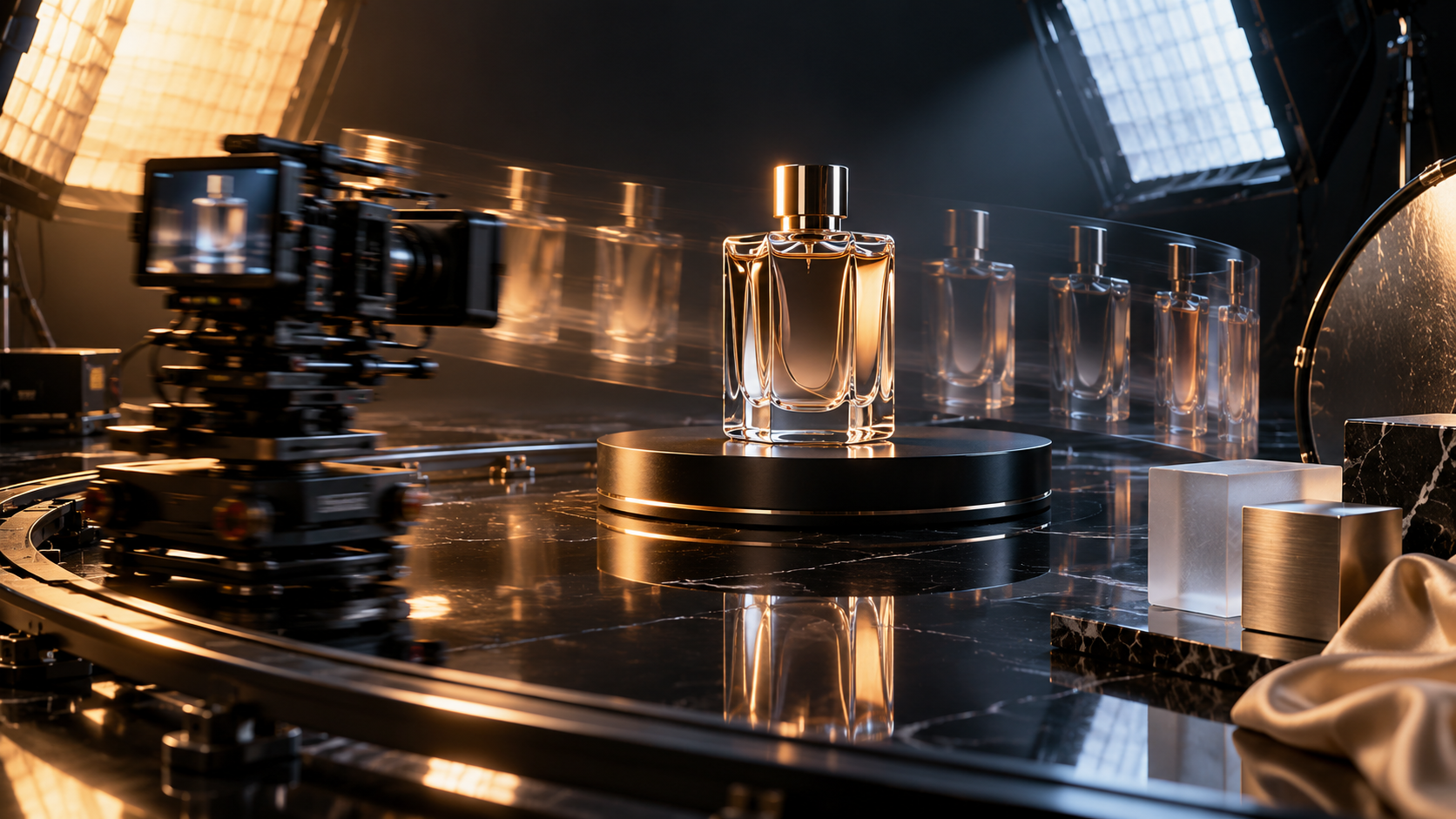 02
02Reference-led product shots that test light, material, camera motion, and commercial pacing before a studio shoot.
 03
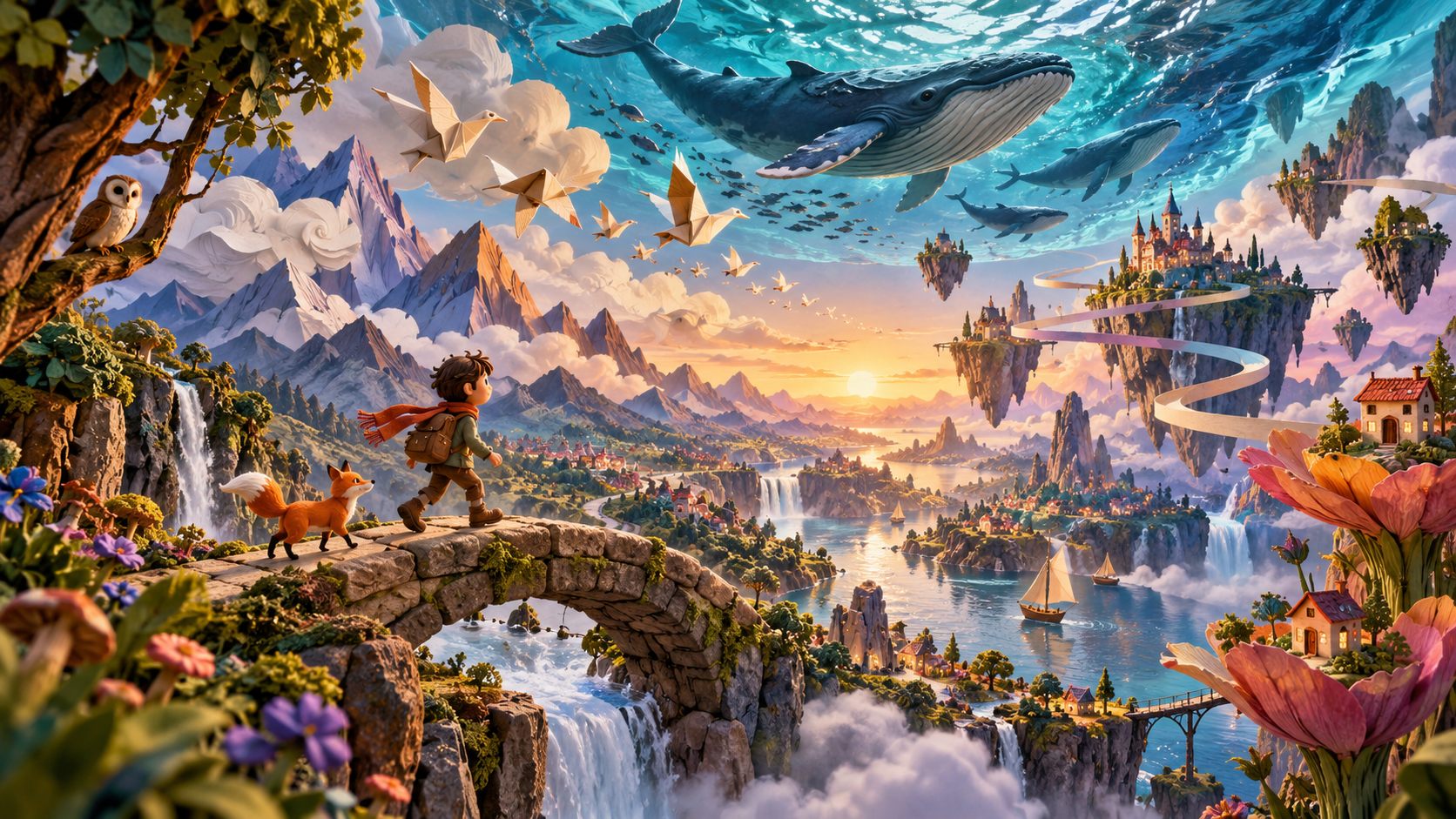
03Stylized paper, clay, illustration, and surreal concepts that would be difficult to prototype with live action.
Direct answers
Availability, inputs, audio, specifications, commercial use, and how this independent workspace fits into the picture.
Muse Video is an AI video generation model previewed by Meta Superintelligence Labs on July 7, 2026. Meta highlights native audio, prompt adherence, visual fidelity, and temporal consistency as central parts of the model's direction.
Muse Video interprets a written scene description and generates a moving visual sequence from that instruction. The official preview shows prompts that describe subjects, actions, camera behavior, visual style, dialogue, ambience, and sound effects.
Meta has not announced public Muse Video pricing in its early preview. The model is described as coming soon to creators and Meta AI. Models available in this independent workspace may use credits and have different limits.
Yes. The official preview demonstrates text-to-video generation from detailed prompts covering action, camera movement, style, dialogue, ambience, and other sound direction.
The Muse Video preview focuses on prompt-driven generation and does not publish a complete input specification. This workspace offers image-to-video through supported models in its model catalog.
Meta has not published final resolution or duration specifications for Muse Video. We avoid guessing: the generator displays only the settings supported by the model currently selected in the workspace.
Yes, native audio support is part of Meta's preview. Meta also notes that audio-video synchronization remains an area of active improvement, along with physically accurate fast motion.
Commercial rights depend on the selected model, service terms, plan, source material, and applicable law. Review the relevant terms and confirm that you can use any uploaded people, brands, music, or artwork.
Its clearest announced distinction is native audio generation alongside competitive prompt adherence, visual fidelity, and temporal consistency. Final product details may change because Meta currently describes it as an early preview.
No. MuseVideo is an independent creative workspace and is not affiliated with, endorsed by, or operated by Meta. Meta and Muse are trademarks of their respective owners.
Turn a prompt or reference image into an AI-generated video. Choose a workflow, shape the shot, and create your next variation in a few clicks.